
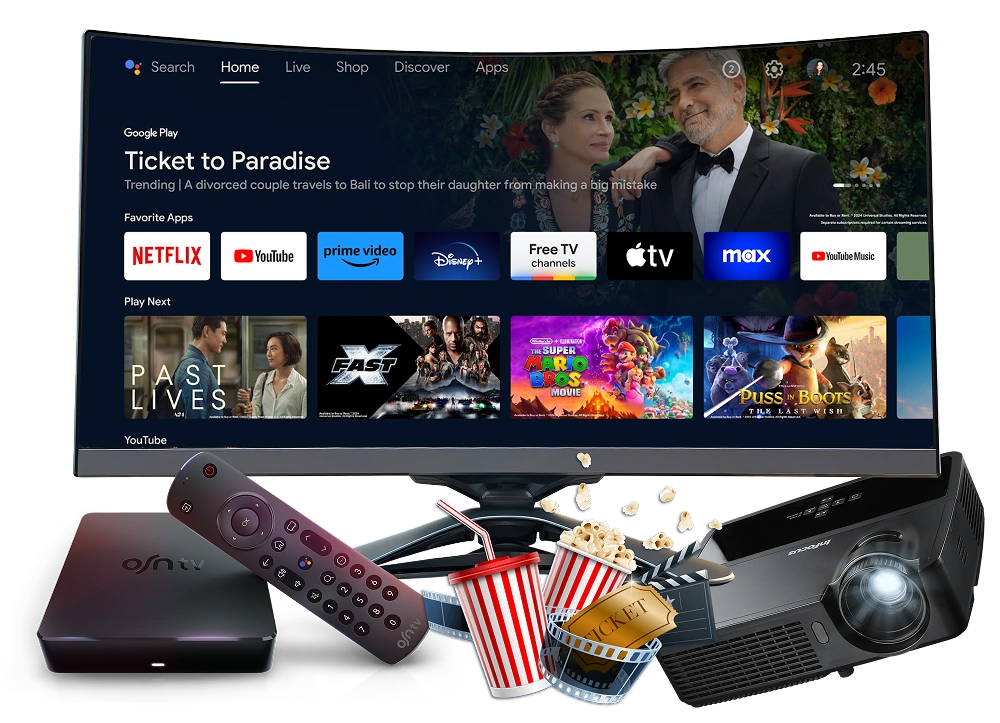
Get Your Free 24-Hour IPTV Trial in Canada.

Get Pro IPTV Canada’s 24-hour free IPTV trial and test the service without a credit card or commitment. Receive your IPTV trial login details by WhatsApp or email, set up your device, and explore the available content before choosing a subscription.

Your trial includes the same 32,000+ live channels and 150,000+ movies and series access as a paid subscription. Test channel selection, playback, device compatibility, and streaming quality using your own internet connection.

Trial activation typically takes 5–10 minutes

iptv edmonton

What's Included In Your Free IPTV Trial?

The best way to evaluate an IPTV service is to test the features you actually use. During your 24-hour trial, explore the content available to your account and assess compatibility with your device and home internet connection.

Live TV Channels

Explore 32,000+ live television channels available through your trial account. Check for the Canadian, regional, international, news, entertainment, and sports content that matters to you.

Channel availability depends on the actual service catalogue. Search for your preferred channels during the trial to confirm their availability.
Movies and TV Shows

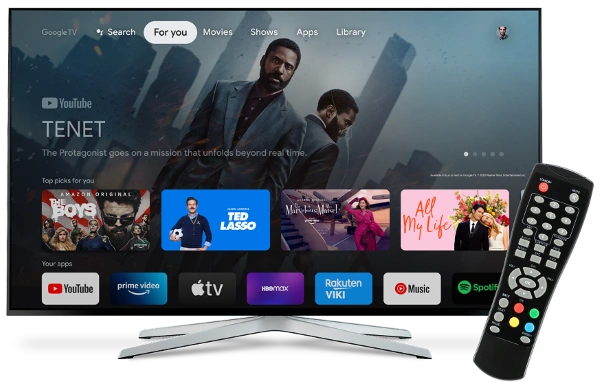
Explore 150,000+ available movies and television series included in your account. Check the catalogue, search experience, and playback options to see whether the available selection matches your viewing preferences.

Streaming Quality and Playback

Test playback on your normal internet connection. Check picture clarity, channel switching, playback interruptions, and performance at different times of the day.

Your viewing experience can vary according to your internet connection, home network, device, and the availability of individual streams.

Device Compatibility

Use the trial to evaluate the service on a compatible Fire TV Stick, Smart TV, Android device, iPhone, iPad, Windows computer, or Mac.

Your setup may depend on the device model, operating system, and compatible IPTV player. Follow the supplied instructions for your specific device.

How to Get Your Free Canadian IPTV Trial

Getting your free IPTV trial involves four straightforward steps.

Step 01

Step 1: Request Your Free Trial

Visit the Pro IPTV Canada website and use the WhatsApp option to request your free IPTV trial. Send your request directly through WhatsApp to get started.

Step 02

Step 2: Receive Your Login Details

Once your trial is ready, you’ll receive your IPTV login details through WhatsApp or email. Activation typically takes 5–10 minutes.

Step 03

Step 3: Set Up Your Compatible Device

Follow the setup instructions provided with your trial. Open a compatible IPTV player and enter your trial credentials.

Step 04

Step 4: Test the Service for 24 Hours

Explore live channels and on-demand content, check playback quality, and confirm that the service works with your device and internet connection.

Which Devices Can You Use for an IPTV Free Trial?

Pro IPTV Canada supports the following device categories, subject to device-specific compatibility and setup requirements.

Not sure how to connect your device?

Contact our support team through WhatsApp with your trial information.

Contact Us Now

Amazon Fire TV Stick

Set up your Fire TV Stick using the compatible player and connection instructions provided with your trial account. Check that your preferred setup works before choosing a paid plan.

Smart TVs

Check compatibility with your Smart TV model and operating system. Installation methods vary by manufacturer and depend on the availability of compatible IPTV apps.

Android Devices

Use the supplied setup instructions for your compatible Android device. Depending on your equipment, this may include an Android phone, tablet, television, or TV box.

iPhone and iPad

Check the recommended player and connection method for your Apple device before entering your trial credentials.

Windows and Mac Computers

Follow the setup instructions for your compatible computer and supported IPTV player.

How to Test IPTV During Your 24-Hour Trial

A free trial is most useful when you know what to evaluate. Use the following checklist to assess our service before subscribing.

01

1. Check Your Preferred Channels

Search for the specific channels and programmes you regularly watch. Confirm that they are available and that playback works.

02

2. Evaluate Streaming Quality

Watch content on your usual network and device. Look for buffering, interruptions, changes in picture quality, and slow channel switching.

03

3. Test During Your Normal Viewing Hours

Try our IPTV service at different times, including the periods when you usually watch TV. This helps you assess how it performs under your own conditions.

04

4. Explore the Content Catalogue

Browse the available live TV channels, movies, and series. Evaluate the selection based on your own viewing preferences. You can request a customized channel playlist at any time.

05

5. Check Device Compatibility

Confirm that the setup works on the device you intend to use regularly. You can use compatible devices, but streaming is limited to one device at a time

06

6. Review the Setup and Support Experience

Make sure you can follow our installation instructions and access the service successfully. If you experience login or playback issues, contact our support team through WhatsApp for setup or troubleshooting assistance.

By the end of your trial, you should have a clearer understanding of whether the available content, playback experience, and device compatibility meet your needs.

iptv edmonton free trial

What Happens When Your Free IPTV Trial Ends?

Your Pro IPTV Canada free IPTV trial lasts 24 hours and expires automatically. No credit card or payment details are required to request or use your free trial.

After your trial expires, you can explore our IPTV subscription plans and decide whether you want to continue using our IPTV service. A paid IPTV subscription is optional and requires a separate decision.

Frequently Asked Questions About the IPTV Free Trial

  • Is your free trial really free?

    Yes. The trial is offered free of charge for 24 hours, and no credit card is required to request it.

  • How long does the IPTV free trial last?

    The free trial lasts 24 hours and expires automatically. Your trial period begins when your trial account is activated.

  • Do I need a credit card to get an IPTV trial?

    No. A credit card is not required to request the free trial.

  • How long does trial activation take?

    The expected trial activation time is 5–10 minutes.

  • How will I receive my IPTV trial login?

    Your login details are delivered through WhatsApp or email. Make sure the contact details you submit are correct so you can receive your instructions.

  • Which devices are supported?

    Supported device categories include Fire TV Stick, Smart TVs, Android, iPhone, iPad, Windows, and Mac. Compatibility and setup requirements may vary by device model, operating system, and player.

  • Can I test IPTV on my own internet connection?

    Yes, you can evaluate the service using your normal internet connection. Your results will depend on network quality, device capability, and stream availability.

  • What happens when the 24-hour trial expires?

    Your free trial expires automatically after 24 hours. No credit card or payment details are required, and you won't be charged automatically. If you want to continue watching, you can choose one of our IPTV subscription plans.

  • Is IPTV legal in Canada?

    IPTV is legal in Canada when content is distributed with the appropriate rights and authorizations. Pro IPTV Canada is committed to providing a legal IPTV service that complies with applicable content licensing and distribution requirements.

Any questions? View All Faqs

Launch login modal Launch register modal